


Darkglass
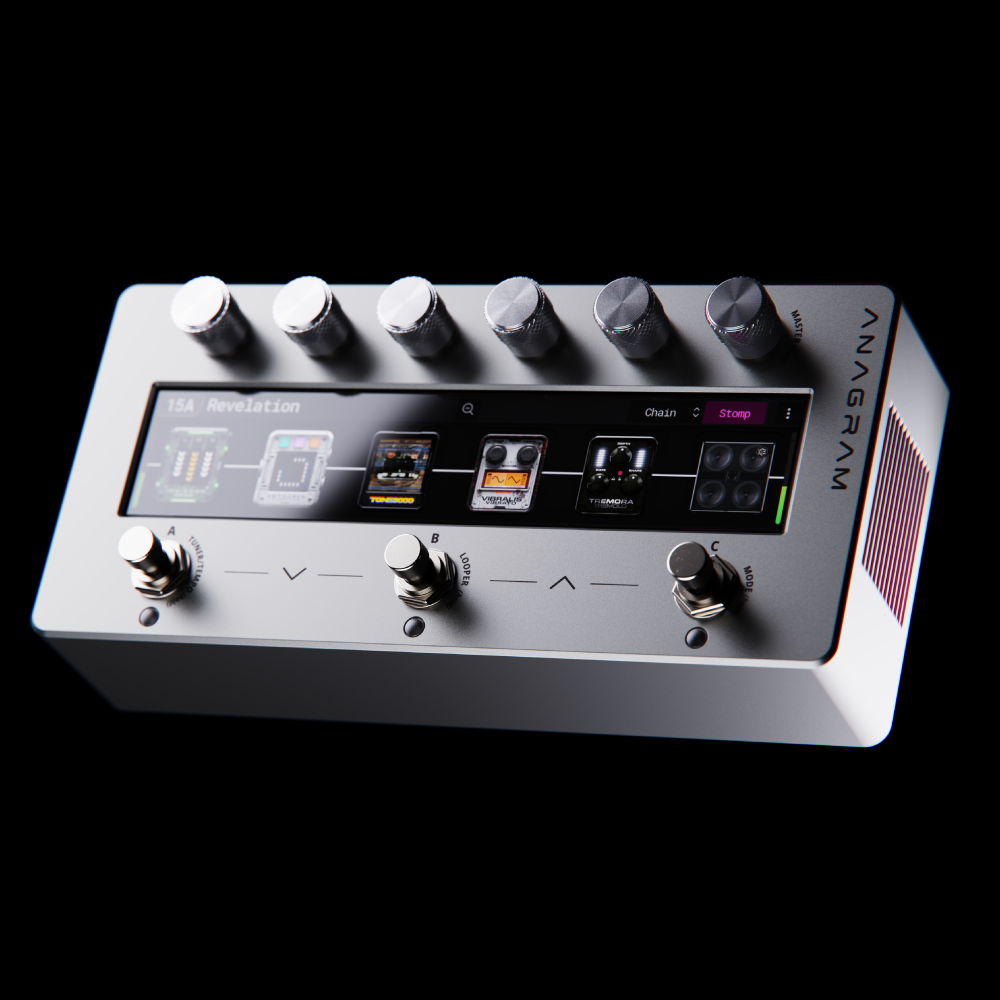
Anagram Multi-Effects Unit
Anagram Multi-Effects Unit
- Powered by a state-of-the-art hexacore processor and 32-bit/48kHz audio processing
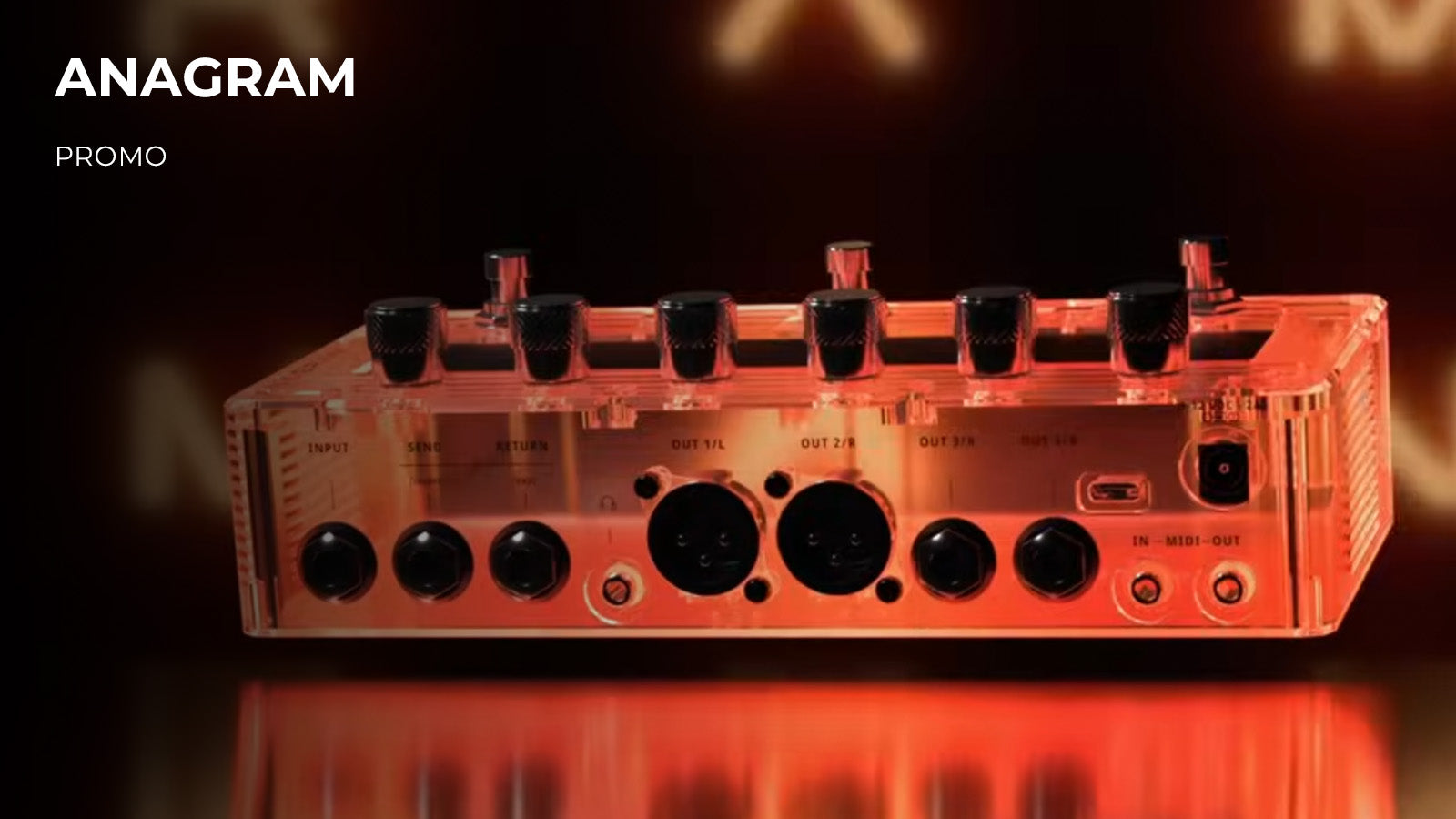
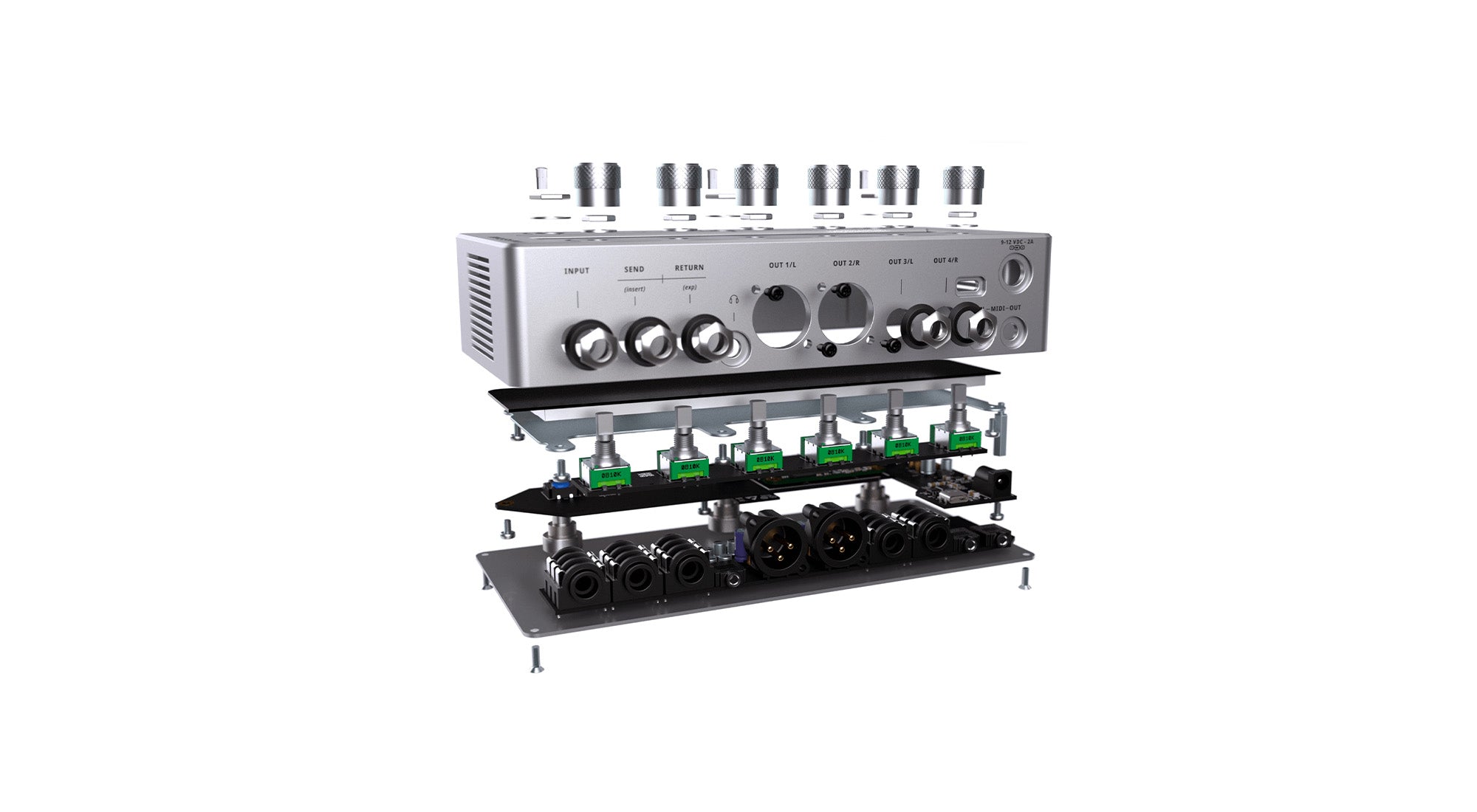
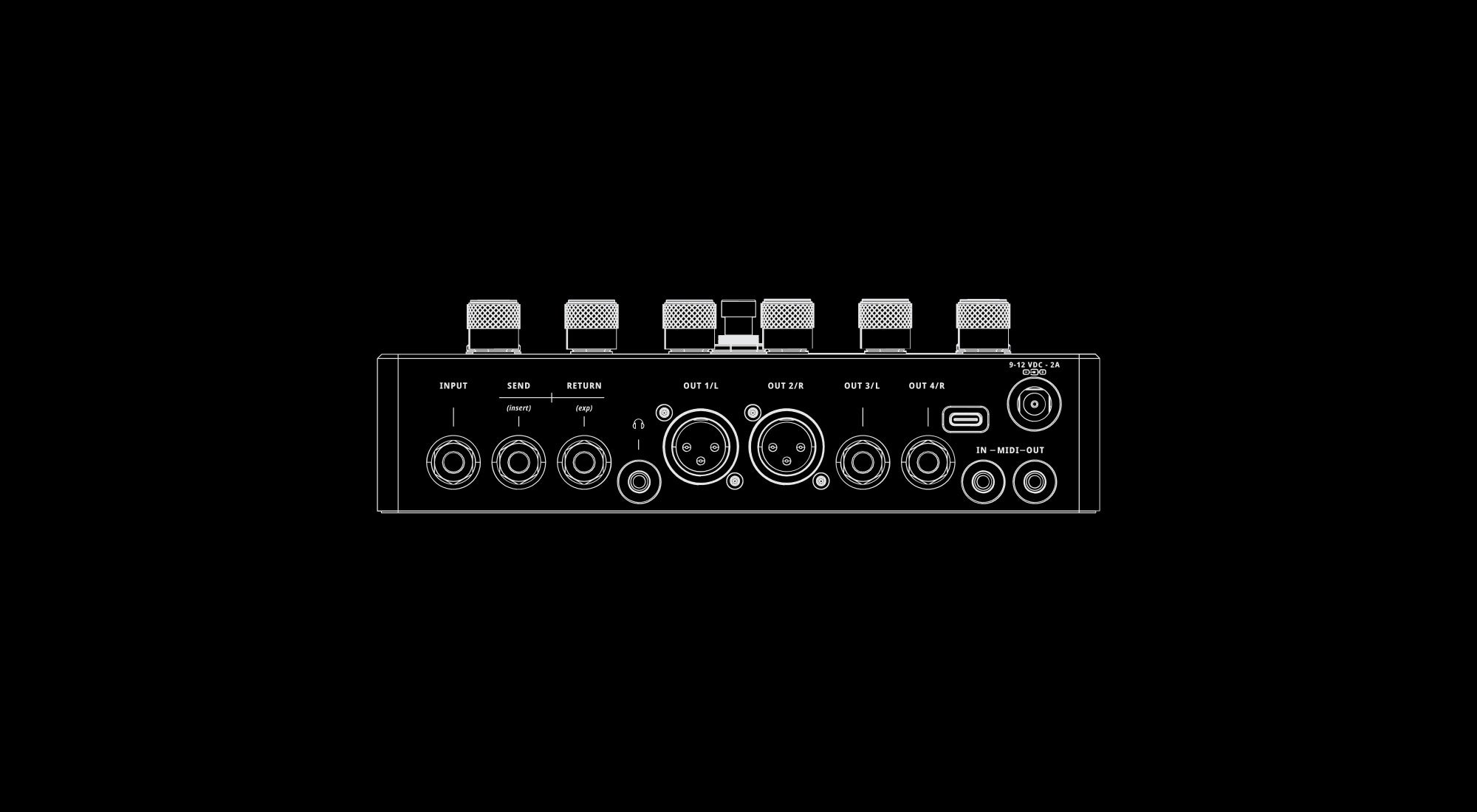
- Studio and stage-grade I/O connectivity
- USB Audio, MIDI and Bluetooth capabilities
- Ultra-low latency, pristine clarity, and studio-grade sound
- Comes loaded with a curated collection of distinct preamps, 50+ customizable effects, a looper, tuner
- Neural Amp Modeler (NAM) integration provides access to 10,000+ of high-quality amps and effects
- Players can create signal chains in series (12 blocks) or parallel (24 blocks)
- Includes carry case

Axioma Mono Synth
An axiom needs no proof and a voice needs no permission to change history. Both are driven by conviction. Axioma, our long awaited mono synth plugin for the Anagram platform, is made of it.
Rewriting the Boundaries of Bass.

Anagram Marketplace
Anagram is no longer just a multi-effect you use; It becomes something you can be a part of. A growing new community of engineers, developers, producers, and musicians who share and shape what they create in one place.
-
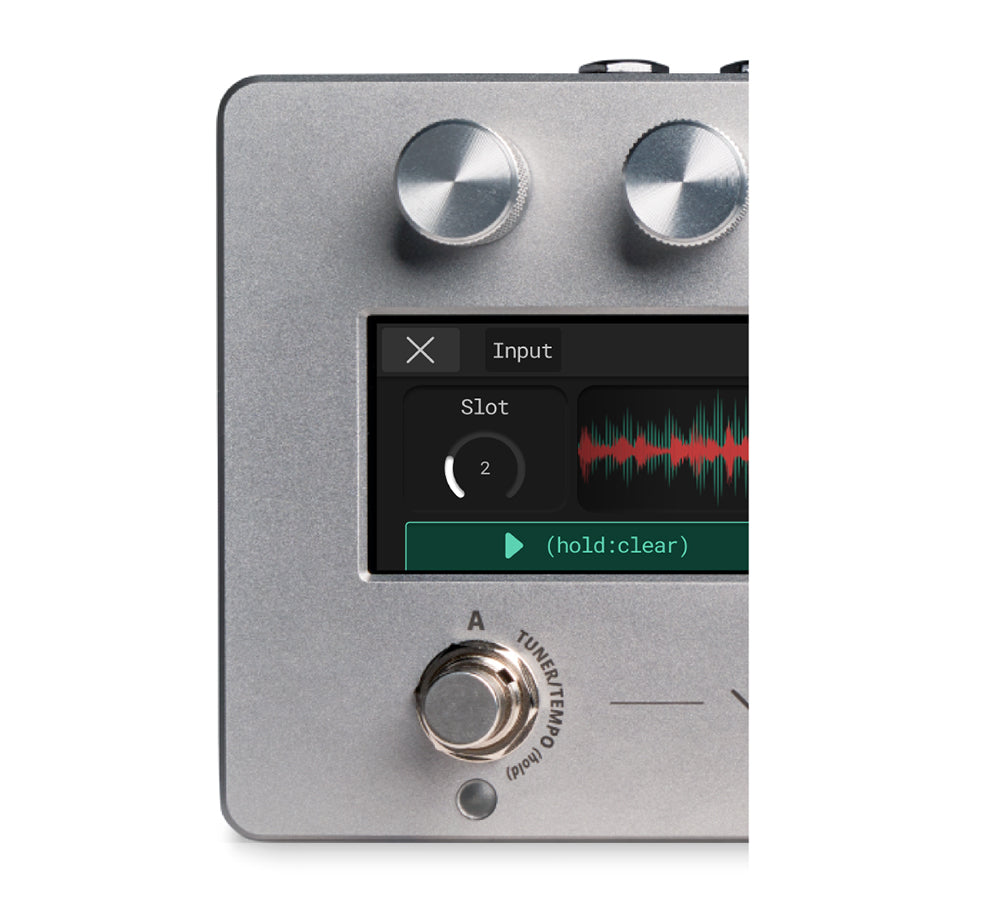
LOOPER
-
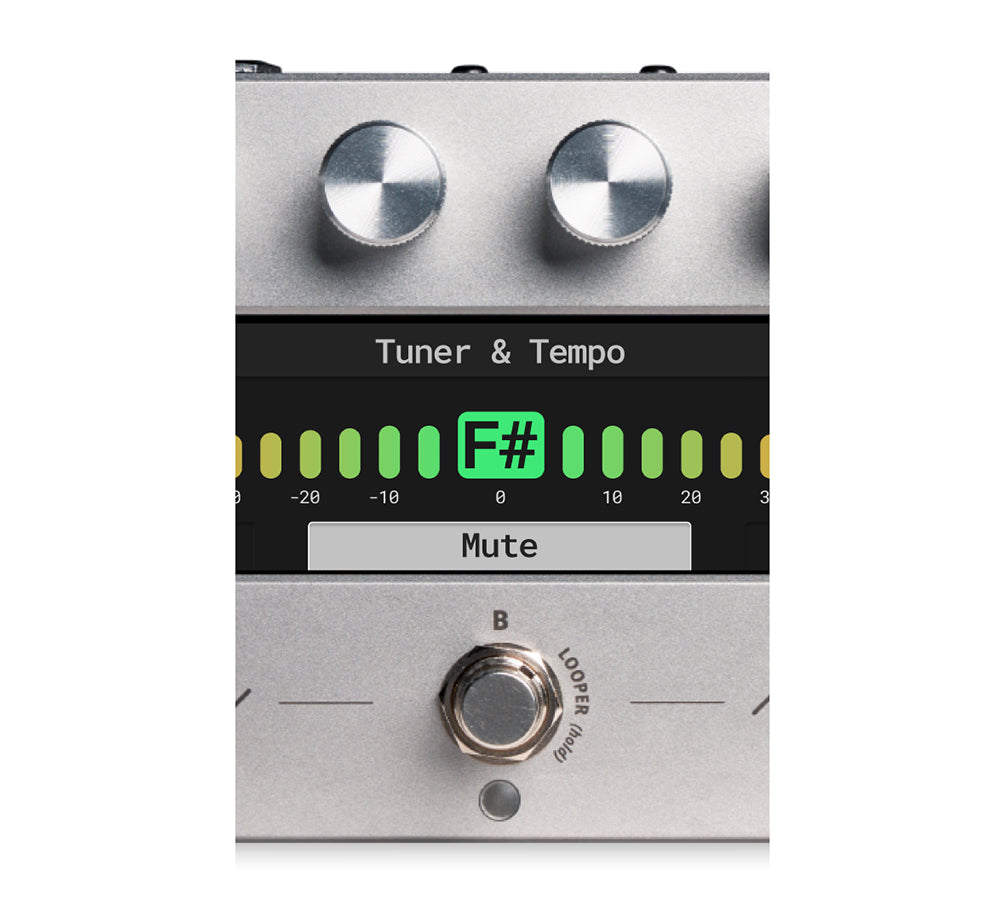
TUNER/TEMPO
-
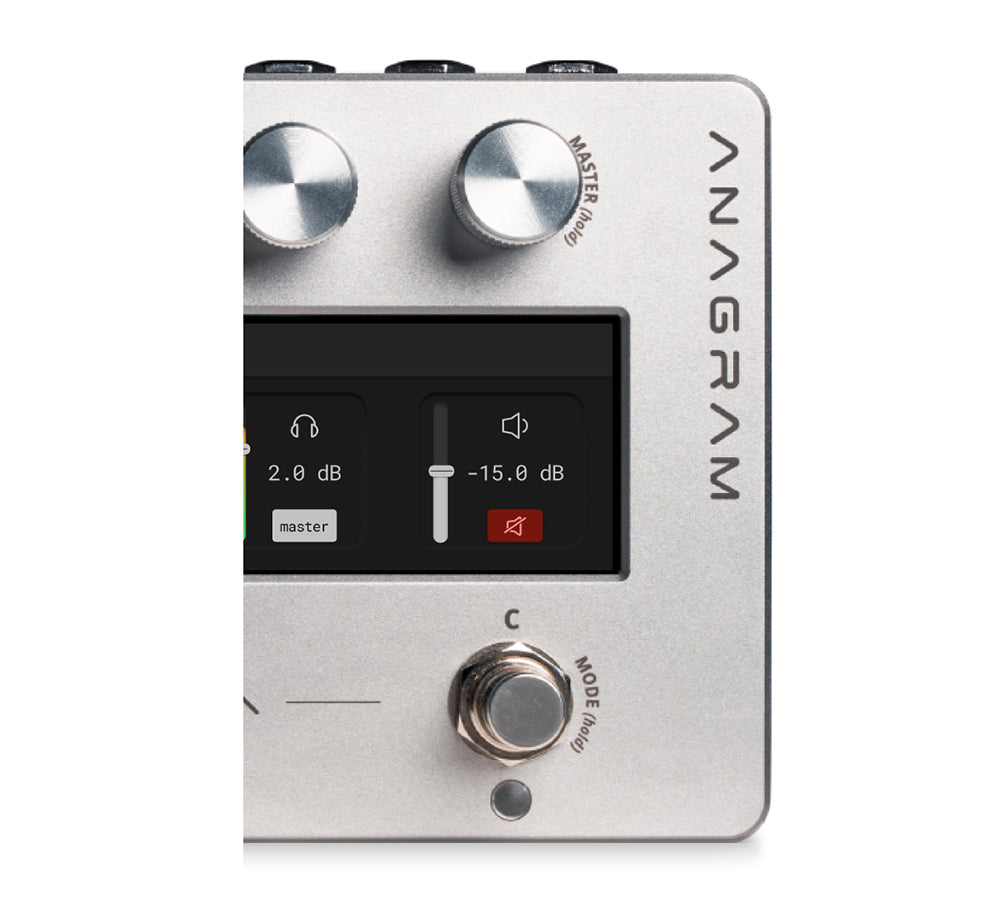
MIXER

Tone 3000 Integration
Load 5 NAM A2 Full. Or 9 A2 Lite. Run them side by side, without compromise.
Browse the Tone3000 library. Download instantly and play immediately, all from within Darkglass Suite.

Ignissor Multiband Compressor
Three bands, total control. Ignissor is a multiband compressor that lets you sculpt low, mid, and high frequencies independently, so every element of your mix sits exactly where it should.
Precision, refined.
Key Features
I/Os

Entropia Multiband Distortion
Entropia is a multiband distortion plugin for Anagram, giving you independent control over low, mid, and high frequencies.
Stability becomes motion. Sound becomes energy.
Evolving Library

-

Amps and Cabs
Explore a curated selection of classic and modern bass amps alongside bass and guitar cabinet simulations.
-

Overdrive & Distortion
Access Darkglass’s renowned drive circuits and authentic distortion captures.
-

EQ, Filters & Dynamics
Sculpt your sound with equalizers, envelope filters, compressors, and noise gates.
-

Modulation & Pitch
Add movement with flangers and choruses and explore tonal heights with octavers and pitch shifters.
-

Delays & Reverbs
Add depth with digital or analog delay effects, or choose from our selection of reverbs.
-

Utilities & Loaders
Manage your routing and signal flow with handy utilities and system blocks.


Anagram Software
-
KosmOS 1.19.0
KosmOS is the Operating System (OS) running inside the Anagram. It manages real-time audio processing, user interaction, and system control. Built on a modular Linux framework, it hosts effect blocks, neural models, and impulse responses with low latency and precise timing. It provides a unified structure for all Anagram functions (signal routing, control mapping, and content management) while remaining expandable through OS updates and DSP blocks.
To perform a manual firmware update without the requirement of the Suite software, please find the information below:- Power on the unit
- Click the ⁝ button on the top-right corner of the screen
- Click the About button and then click the Manual Update
- Connect you unit to your computer using a USB-C cable
Wait for unit to appear as “mass storage device” - Copy the downloaded tar file to the “mass storage device” (do not extract contents, just copy as-is)
- Safely eject the “mass storage device” from your PC. If using macOS, unplug the USB-C cable (not the power cable!)
- Power on the unit
-
Changelog
[1.19.0]
New block: Hi-Five 103 Tube Amplifier
New block: Pheral 91 Phaser
New bass IRs: SWE Nordline 4x10
Improve controlling scenes with MIDI
New setting for choosing if the active scene bank can be changed by scene change MIDI messages- Setting: Device Settings > MIDI > MIDI Scene Change
- Option 1: Sets Bank & Scene (As it was before: scene change MIDI messages change the active scene bank)
- Option 2: Sets Scene (scene change MIDI messages don’t change the active scene bank, allowing MIDI controllers to activate specific scenes without affecting which scenes the Anagram foots activate)
- Next/Previous Scene MIDI messages now skip empty scenes, and wrap around when on the last/first scene
- The dynamic footbar now shows up in signal chain view whenever changing scenes over MIDI inside the active scene bank
Bug fixes & improvements
- NAM A2 optimizations
- Fix Stomp LED left on in Signal Chain screen after bound block removal
- Fix Signal Chain view returning to wrong position after visiting block settings
- Fix renaming user preset area after it has been reordered
- Improve controlling list-style parameters with MIDI CC
- Support plugin templates for marketplace plugins
- System optimizations
SUPPORT + DOCUMENTATION
DISCLAIMER
In the interest of continuous improvement, specifications are subject to change without notice. If you have any questions, please don’t hesitate to contact us at www.darkglass.com
The manufacturer claims that the above product fulfills the requirements as set by EN55013, EN55020, EN60555-2, EN60555-3, RoHS, WEEE.